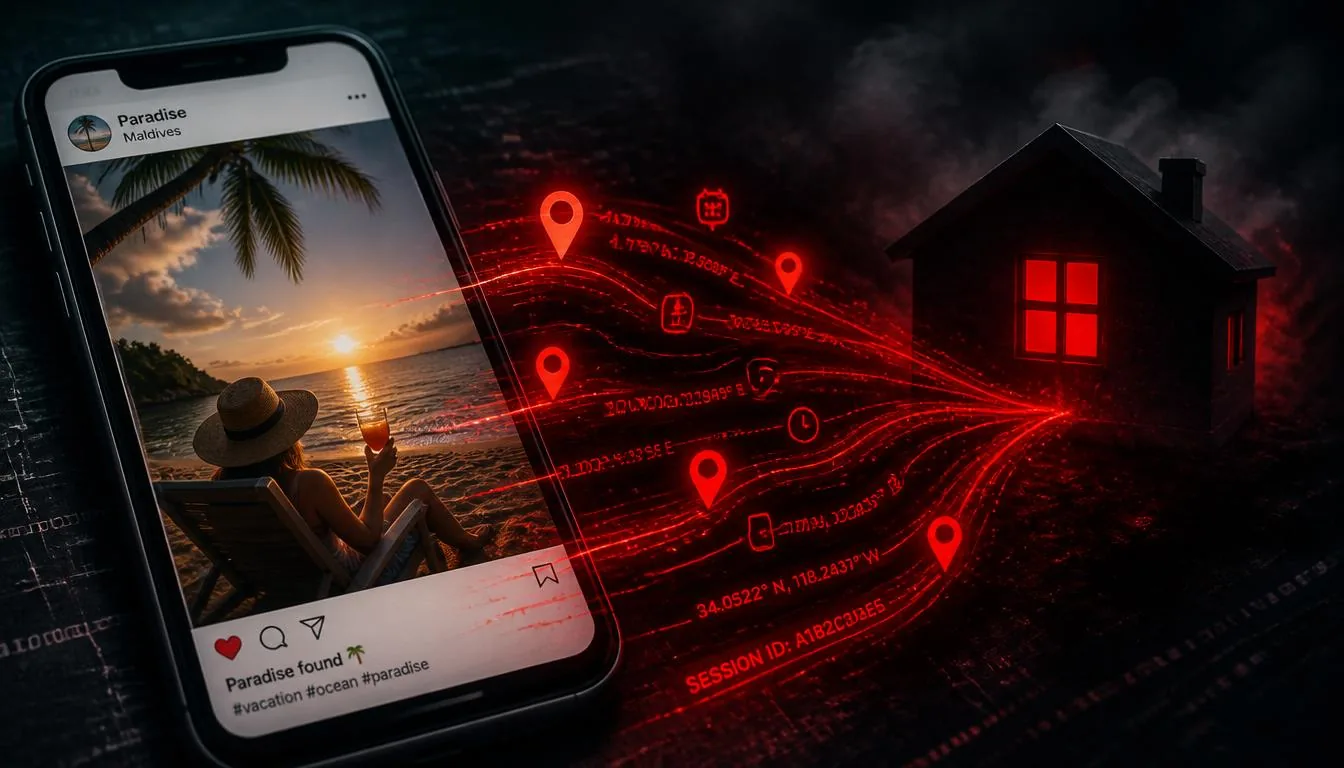
The conventional wisdom says: "Don't worry, Instagram strips your EXIF." And for the most part, that's true — for standard photo uploads. But the reality in 2026 is considerably more complex. Different upload methods on the same platform produce different results. Messaging apps behave differently from their social posting features. And several widely-used platforms and workflows preserve GPS coordinates entirely.
We tested eight platforms and apps systematically, uploading photos with embedded GPS coordinates (pointing to a known test location) and then checking what metadata survived using ExifTool and VerClood Pro's forensics panel.
Platform-by-Platform Results
Master Comparison Table
| Platform | Standard Upload | File / Document | Messaging | Verdict |
|---|---|---|---|---|
| ✅ Strips | ⚠️ N/A | ✅ Strips DMs | Safe | |
| ✅ Strips | ❌ Preserves | ❌ Messenger files | Partial | |
| TikTok | ✅ Strips | ⚠️ N/A | ⚠️ Unknown | Partial |
| X / Twitter | ✅ Strips | ⚠️ N/A | ✅ Strips | Safe |
| ✅ Strips | ❌ Preserves | ⚠️ Partial | Partial | |
| ✅ Strips | ❌ Preserves | ✅ Photo mode | Partial — depends on mode | |
| Signal | ⚠️ N/A | ⚠️ N/A | ✅ Default strips | Excellent |
| Telegram | ✅ Strips (photo) | ❌ Preserves | ❌ Document mode | Unsafe if using docs |
| Email (any) | ⚠️ N/A | ❌ Always preserves | ❌ Attachments | Never safe |
| iCloud Share | ⚠️ N/A | ❌ Preserves | ❌ Original file | Never safe |
The Most Dangerous Workflows
Based on the testing, these are the scenarios most likely to expose your GPS coordinates:
- Sending a photo "as document" in WhatsApp or Telegram — extremely common, completely exposes GPS. Users do this to avoid compression.
- Attaching a photo to an email — no email provider strips EXIF. Every attachment arrives with full metadata.
- Sharing via iCloud shared albums or Google Photos shared links — shares the original file with all metadata intact.
- Uploading to a portfolio site, personal website, or Dropbox — unless the platform explicitly strips metadata (most don't), GPS is preserved.
- Facebook Messenger file attachments — unlike Facebook posts, Messenger files preserve metadata.
What You Should Do
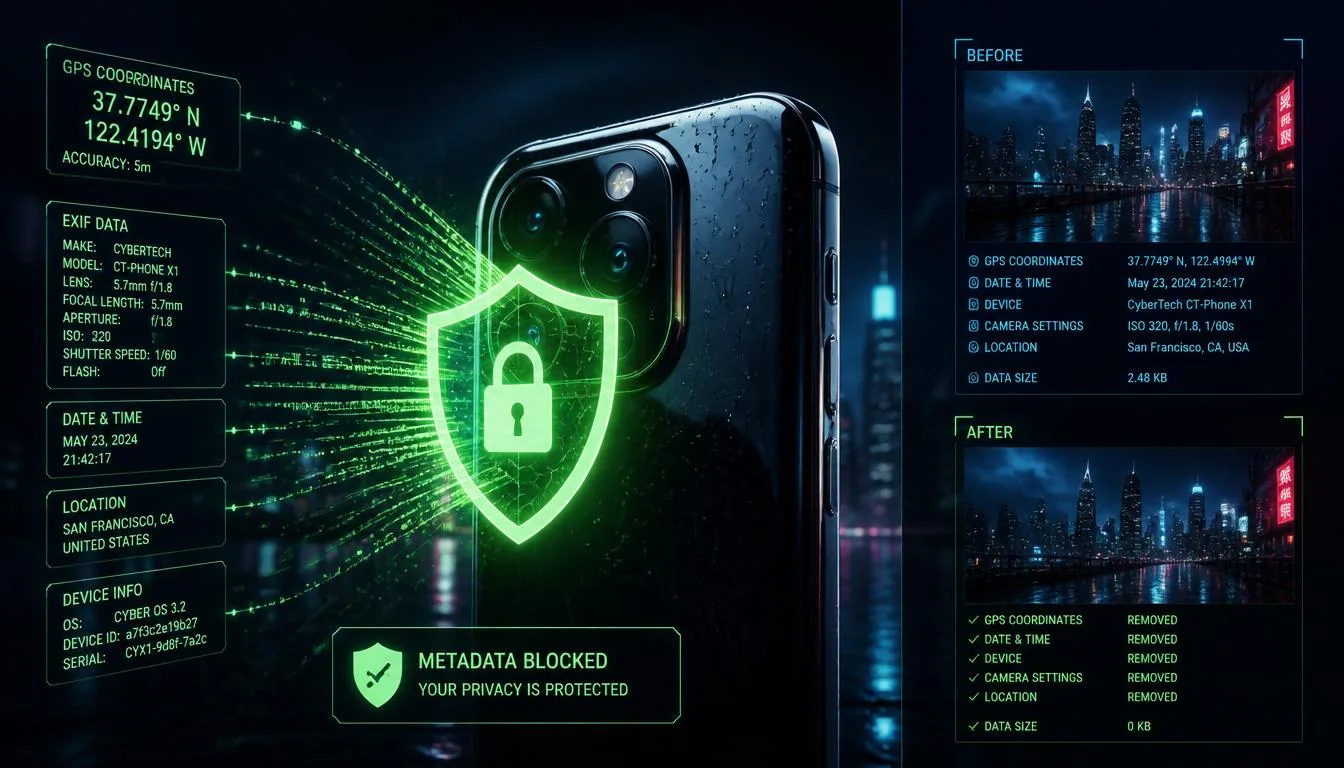
The answer is simple, consistent, and doesn't require memorizing platform behaviour: strip metadata from every photo before you share it, regardless of how or where you're sharing it.
- 1 Open VerClood Pro on your device
- 2 Load your photo and check the Privacy Score
- 3 Select "Remove All" mode and save the cleaned photo
- 4 Share the cleaned version via any platform or method
🛡️ Strip Metadata Before Sharing
VerClood Pro removes GPS and all EXIF from your photos — free, instant, and 100% private. No uploads required.
Open VerClood Pro →For a complete privacy workflow covering all 12 steps — from camera settings to sharing — see our 2026 Photo Privacy Checklist. And for understanding the full scope of what GPS metadata can reveal, read Your Vacation Photo is Betraying You.