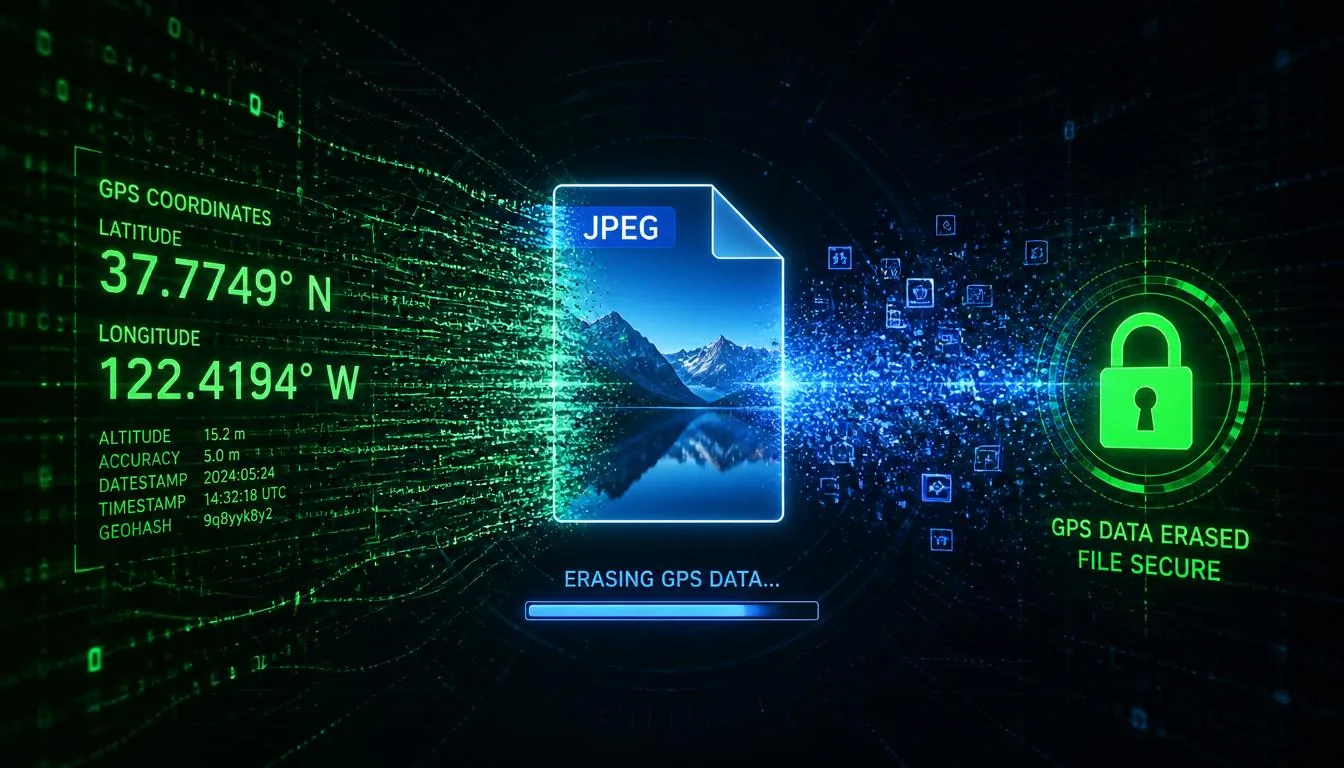
Every photo you take with a smartphone or modern digital camera quietly records a hidden story. Embedded in the file — invisible to the eye but readable by anyone who knows where to look — is a package of metadata called EXIF data. It can contain the exact GPS coordinates of where the photo was taken, the precise time, the camera model and serial number, and dozens of other technical details.
In 2026, as location-tracking concerns and data privacy awareness have grown dramatically, knowing how to safely remove this data before sharing photos is no longer optional — it's essential. This guide covers everything from what EXIF is to the best browser-based tools available today.
What Is EXIF Data?
EXIF stands for Exchangeable Image File Format. It's a standard introduced in 1995 that defines how metadata is stored within image files — primarily JPEG and TIFF formats, though many others support it too.
When your camera or phone takes a photo, it automatically writes dozens of data fields into the file alongside the actual pixel data. This metadata never shows up when you look at the image — you'd need a dedicated tool to read it.
What EXIF data typically contains
- GPS coordinates — latitude, longitude, and sometimes altitude (the most privacy-sensitive field)
- Date and time — the exact moment the photo was taken, often including seconds
- Camera make and model — e.g., "Apple iPhone 15 Pro" or "Sony Alpha 7R V"
- Lens information — focal length, aperture, lens model
- Exposure settings — ISO, shutter speed, white balance
- Software — the app used to edit the photo (Lightroom, Photoshop, etc.)
- Copyright and author — if set in camera settings
- Embedded thumbnail — a small preview image, sometimes showing the uncropped original
Additionally, two other metadata standards often co-exist with EXIF in the same file: IPTC (the news agency standard, containing author, keywords, and copyright) and XMP (Adobe's extensible standard, used by Lightroom and Photoshop).
Why EXIF Data Is a Privacy Risk
Let's be concrete. If you take a photo at home and share it on a forum, messaging app, or via email without stripping the metadata, anyone who downloads that image can open it in a simple tool and see the GPS coordinates. Those coordinates, entered into any map service, will show your house.
Beyond GPS, here are the other risks:
- Device fingerprinting — your camera model and serial number can be used to link photos across platforms, even if you use different accounts
- Temporal profiling — date/time data reveals your daily patterns and routines
- Embedded thumbnails — the EXIF thumbnail can show the original uncropped photo even if you carefully cropped out sensitive content
- Software trails — editing software metadata can reveal professional tools, watermark-removal attempts, or even workplace information
Do Platforms Strip EXIF Automatically?
The answer in 2026 is: sometimes, but never reliably enough to trust.
| Platform | Strips GPS? | Strips All EXIF? | Safe to Trust? |
|---|---|---|---|
| ✅ Yes | ⚠️ Most | ⚠️ Usually | |
| ✅ Yes | ✅ Yes | ⚠️ Usually | |
| ✅ Yes (compressed) | ✅ Yes | ⚠️ Not for "originals" | |
| Telegram | ❌ No | ❌ No | ❌ No |
| Signal | ✅ Yes | ✅ Yes | ✅ Yes |
| Email (Gmail) | ❌ No | ❌ No | ❌ Never |
| Dropbox share link | ❌ No | ❌ No | ❌ Never |
| Twitter / X | ✅ Yes | ⚠️ Partial | ⚠️ Usually |
The key takeaway: never rely on a platform to protect your privacy. Strip the metadata yourself before sharing — always.
Methods for Removing EXIF Data in 2026

Method 1: Browser-Based Tool (Recommended)
Browser-based tools like VerClood Pro process everything locally in your browser using JavaScript. No file ever leaves your device. This is the gold standard for privacy-conscious users in 2026.
How to use VerClood Pro:
- Open VerClood Pro in any modern browser
- Drag and drop your photo (JPG, PNG, HEIC, or WEBP)
- Review the Privacy Score and detected metadata
- Choose "Remove All" for maximum protection, or use "Selective" mode to keep specific fields
- Click "Save & Download" — done
Method 2: ExifTool (Command Line)
ExifTool by Phil Harvey is the most powerful metadata tool available. It handles virtually every file format and metadata standard. The trade-off is that it requires command-line comfort.
# Remove ALL metadata from a file
exiftool -all= photo.jpg

# Remove only GPS data
exiftool -gps:all= photo.jpg

# Process an entire directory
exiftool -all= /path/to/photos/
ExifTool is free, open-source, and runs on Windows, Mac, and Linux. For privacy purists who prefer desktop tools, it's the best option.
Method 3: Built-in OS Features
Windows: Right-click a photo → Properties → Details tab → "Remove Properties and Personal Information" at the bottom.
macOS: Open in Preview → Tools → Show Inspector → GPS tab → Remove Location. Note: this only removes GPS, not all EXIF fields.
iOS/Android: Most photo apps don't offer built-in EXIF stripping. Use a dedicated app or VerClood Pro from your mobile browser.
🛡️ Remove EXIF Data Right Now
VerClood Pro is 100% free, works in your browser, and never uploads your files. Privacy by design.
Open VerClood Pro →Beyond Simple Removal: GPS Spoofing
Sometimes you don't just want to remove GPS data — you want to replace it with fake coordinates. This is called GPS spoofing and has legitimate uses: stock photographers who want to protect shooting locations, journalists protecting source locations, or anyone who wants plausible-deniability metadata.
VerClood Pro's spoofing feature lets you click anywhere on an interactive map to set fake coordinates, then bakes them into the output file. You can also spoof the camera make/model, date, ISO, aperture, and other fields.
Don't Forget IPTC and XMP
EXIF is the most talked-about metadata standard, but JPEG files often contain two others that are just as revealing:
- IPTC — used by Reuters, AP, and BBC for news photos. Can contain author, keywords, city, copyright, and byline. Embedded by Photoshop even on personal photos.
- XMP — Adobe's standard, written by Lightroom and Photoshop. Can contain editing history, creation software, ratings, labels, and location data.
A complete privacy-conscious workflow strips all three standards. VerClood Pro's forensics panel shows all three in separate tabs so you can see exactly what's hiding in your file.
Verifying the Removal
After processing a photo, always verify the metadata is actually gone. Several free tools can help:
- VerClood Pro Forensics panel — reload your cleaned photo to confirm all fields are empty
- Jeffrey's Exif Viewer (online) — shows all metadata in a human-readable format
- ExifTool on the command line:
exiftool cleaned_photo.jpg
Frequently Asked Questions
Conclusion: Your Privacy Is Your Responsibility
In 2026, photo metadata is one of the most underestimated privacy risks in everyday digital life. A single photo with GPS data can reveal where you live, where you work, where your children go to school, and where you spend your evenings — all without you ever saying a word.
The good news: removing it takes about 30 seconds with the right tool. Use VerClood Pro as part of your routine before sharing any sensitive photos. It's free, it's fast, and your files never leave your device.
For a complete workflow, also check our 2026 Photo Privacy Checklist covering all 12 steps for comprehensive protection.